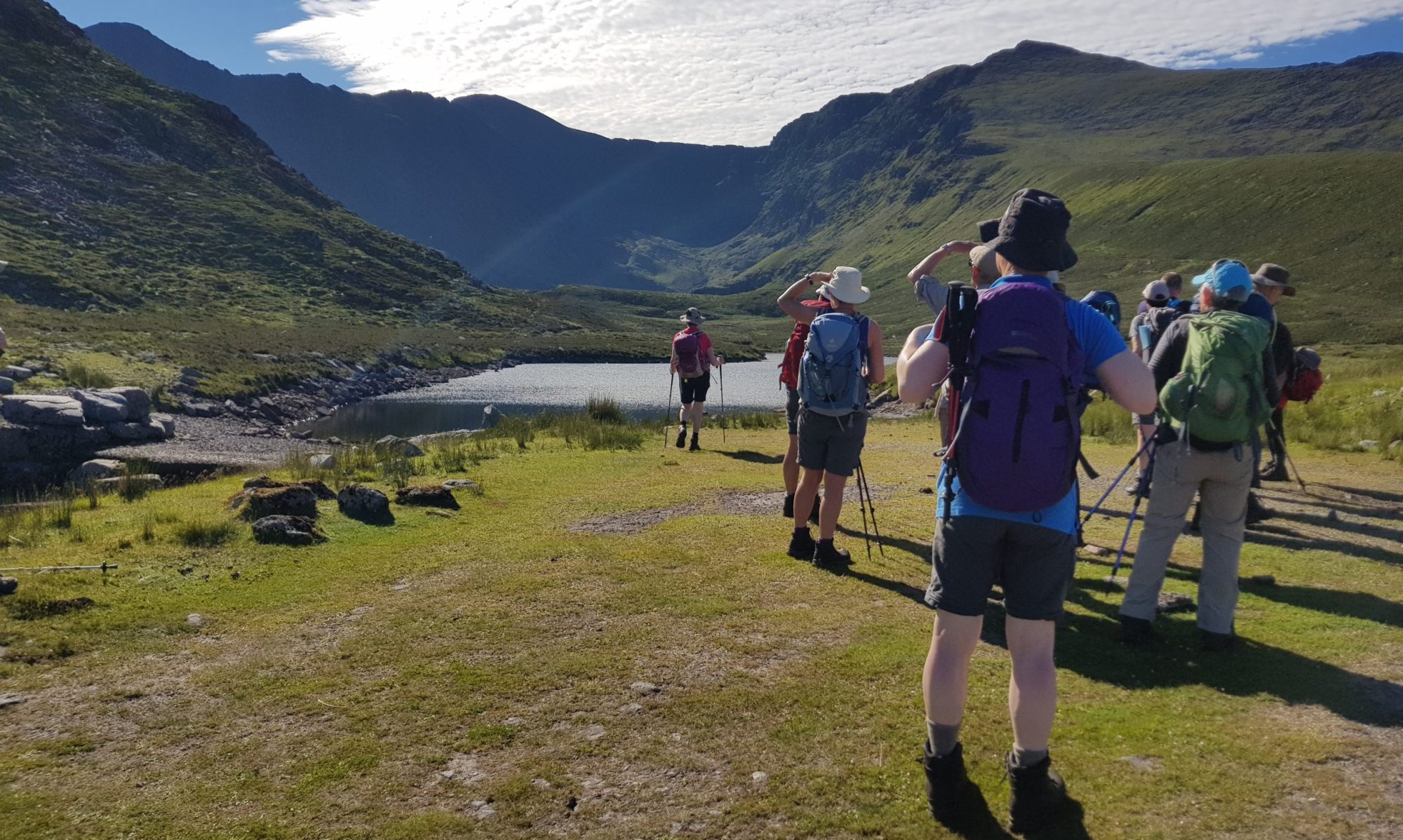
Walks and walk leaders are CHA’s most valuable resources. Our Walks Library will ensure that walks are preserved for use by members in the future. It’s hoped that access to the library will encourage new members to try out walks and become leaders.
Leaders are invited to upload a record of their walks to the library – walks on Hiiker or Outdoor Active can be uploaded using the instructions below. Note that only the leader who has devised and led the walk for the club should upload their walk.
Before submitting a walk from the Library for the Walks Programme, please clear it with the leader who originally uploaded the walk (if he/she is still a club member).
Walk submission
To submit a walk to the library, please export a .gpx file for the walk from your walking app and email it as an attachment to ad***@*ha.ie. Be sure to include key details about the walk, such as navigation tips, unique conditions, or any other information that would assist those leading the walk.
Instructions on how to export a .gpx file for a walk from the Outdooractive and Hiiker apps may be read by clicking on the relevant link below. For other apps, please consult the appropriate documentation for instructions on how to export a .gpx file for your walk.
Exporting a .gpx file from Outdooractive
Exporting a .gpx file from Hiiker
Using a walk
To use a walk from the library, simply click on the walk description in the library list below to download a Zip file containing the walk details. Each Zip file includes a .gpx file containing the walk details, along with optional .pdf files featuring notes, maps and other relevant information. Unzip this file to access the individual files contained within it.
Instructions for importing a walk into the Outdooractive and Hiiker apps may be read by clicking on the relevant link below. For other apps, please consult the appropriate documentation for instructions on how to import the .gpx file for your walk.
Importing a .gpx file in Outdooractive
Importing a .gpx file in Hiiker
Library of walks
Walks are listed by grade (A, B+, B, B-, C) and by ascending length within grade. Click on an entry to download the Zip file for that walk.